Affiliate Disclosure: We earn commissions through affiliate links at no cost to you.
CrushOn AI Not Working 2026: Known Issues and What Actually Fixes Them
Some CrushOn AI problems are fixable. Some are known platform issues with no user-side solution. Distinguishing between them prevents wasted troubleshooting.
Platform-Level Issues That Require No Action From You
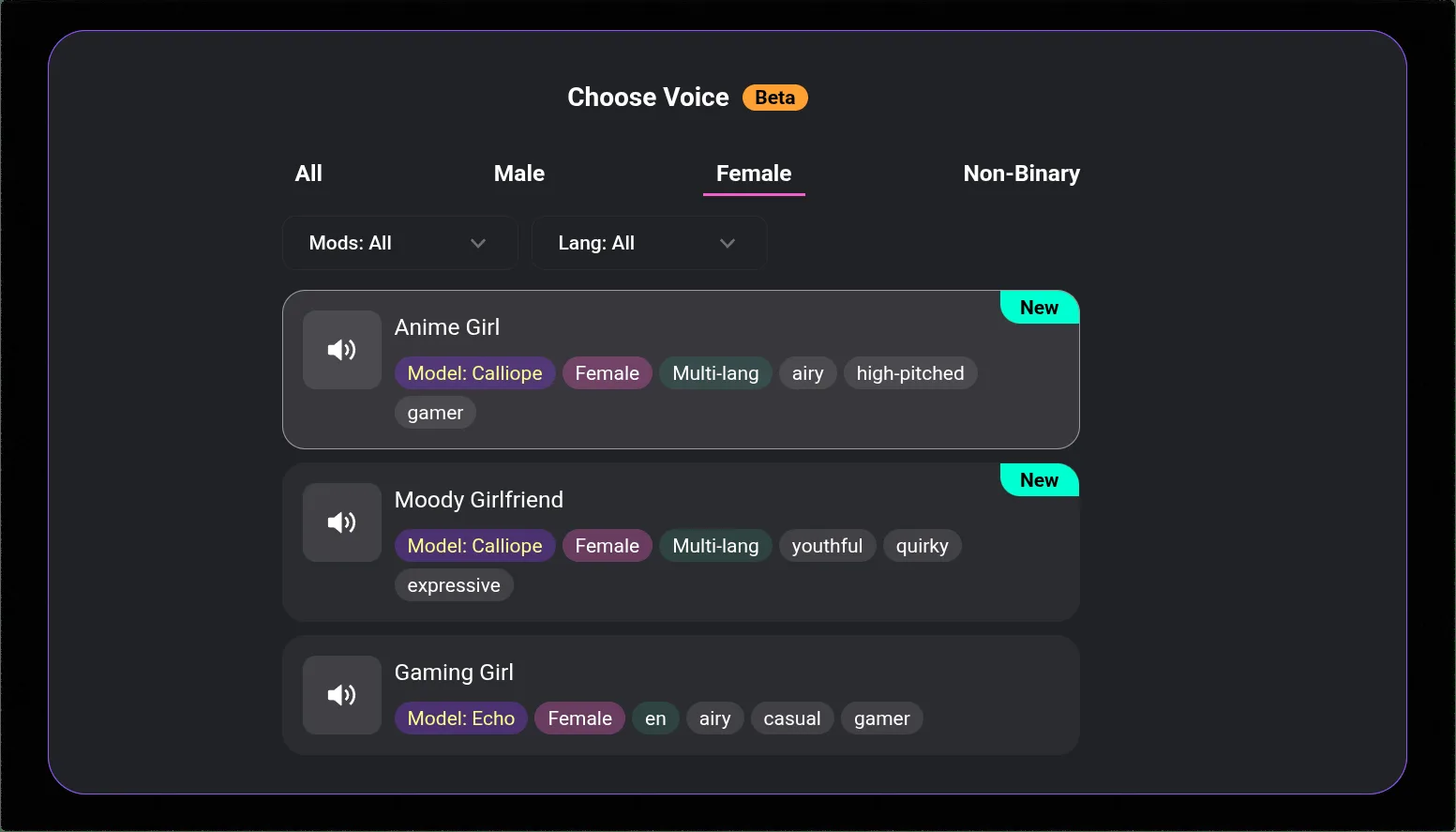
DeepSeek Model Instability (Ongoing)
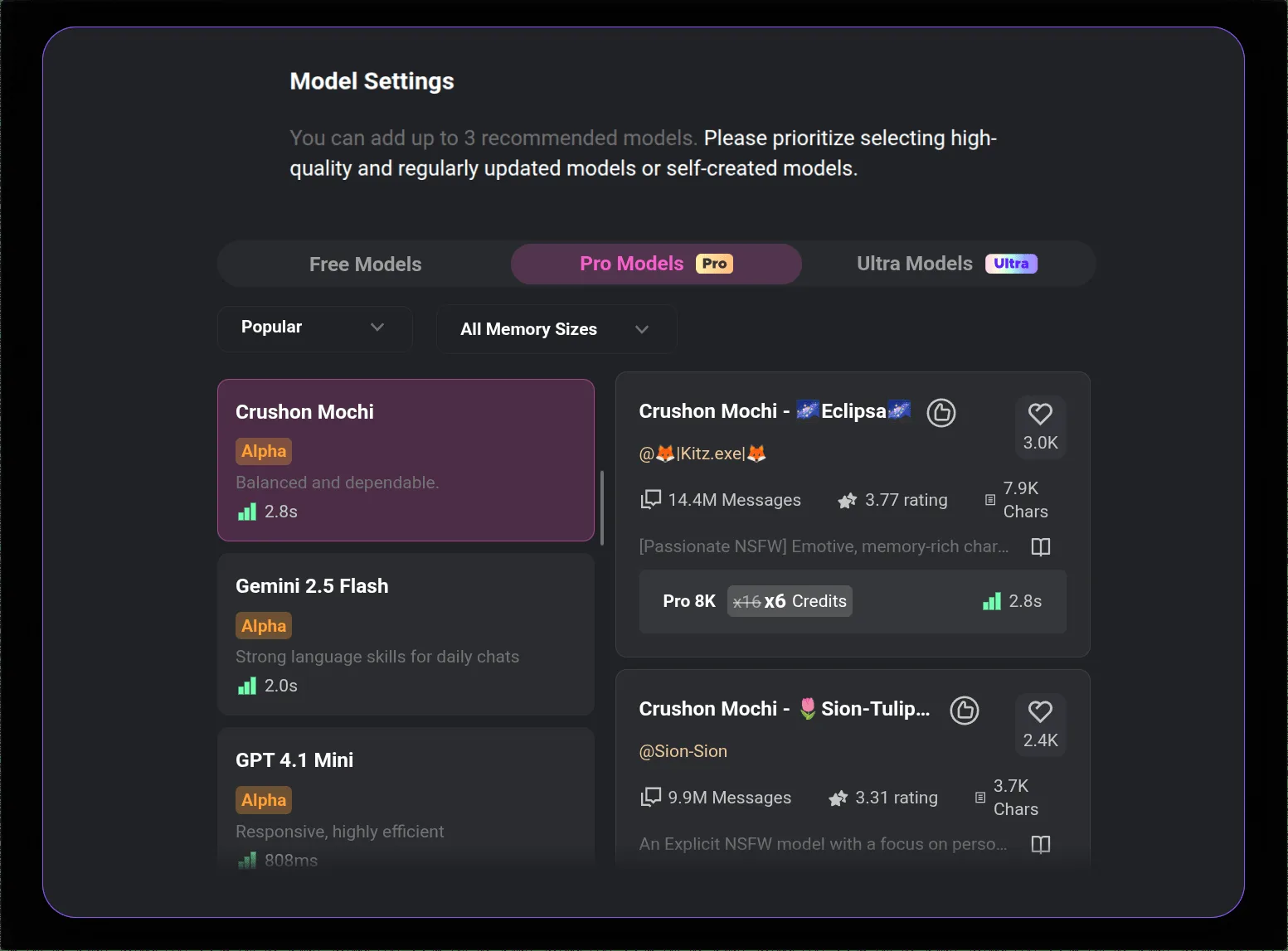
The DeepSeek model integration has remained unstable throughout 2026. Symptoms: message repetition, conversation loops, inconsistent response quality. This is not a bug you can fix — it is a platform-level issue with an ongoing model integration.
The only fix: Don't use DeepSeek. Switch to MythoMax, GPT-4o, or Claude 3.5 Sonnet. These models are stable.
iOS App Store Regional Unavailability (Ongoing)
The CrushOn AI iOS app is not available in the App Store in all regions due to Apple's content policies. This is not a temporary glitch — it is an ongoing platform distribution reality.
The fix: Use crushon.ai in Safari. Add to Home Screen (Share > Add to Home Screen) for a home screen icon and full-screen experience. Full features including NSFW work correctly through Safari.
Peak-Hour Performance Degradation (Intermittent)
Server load during peak hours slows responses and causes image generation failures. Free tier users are deprioritized. This is expected platform behavior during high-traffic periods.
The fix: Try off-peak hours. There is no device-side fix for server load.
Device-Side Problems You Can Fix
Loading Failures
If CrushOn AI loads in some contexts but not others, the problem is device-side.
Fastest diagnosis: Test in incognito/private browsing mode. If it loads there, the issue is your browser's cache or an extension.
Fix sequence:
- Clear browser cache (Chrome: Settings > Privacy > Clear Browsing Data > Cached images)
- Hard refresh: Ctrl+Shift+R (Windows) or Cmd+Shift+R (Mac)
- Test in incognito — if this works, disable extensions one by one to identify the culprit
- Try a different browser
- Flush DNS: Windows:
ipconfig /flushdnsin Command Prompt; Mac:sudo dscacheutil -flushcache
Login Failures
Most common cause: Wrong authentication method. Accounts created with Google OAuth cannot be accessed with email/password login. Use the Google login button for Google-auth accounts.
Other login issues:
- Forgotten password: use "Forgot Password" — check spam folder for the reset email
- Login loop: clear cookies for crushon.ai in browser settings, then retry
App Crashes
Fix sequence:
- Update to latest app version via Google Play Store
- Clear app cache: Android Settings > Apps > CrushOn AI > Storage > Clear Cache
- Restart device
- Uninstall and reinstall — account data is cloud-stored, nothing is lost
Message Repetition Loops
If not using DeepSeek: Repetition is usually conversation-context specific. Start a new conversation — this resolves most cases immediately.
If using DeepSeek: Switch models. The DeepSeek integration is the documented cause.
When to Check @CrushonAI Before Doing Anything
For any issue where you cannot determine if it's platform-wide or device-specific, check @CrushonAI on Twitter/X first. The team posts maintenance notices and outage acknowledgments. If there's an active incident, nothing you do on your device will resolve it.
Known Issues Table
| Issue | Type | Resolution |
|---|---|---|
| DeepSeek message repetition | Platform-level | Switch models |
| iOS App Store unavailability | Platform-level | Safari web app |
| Image delays at peak hours | Platform-level | Off-peak retry |
| Browser cache loading failures | Device-side | Clear cache, hard refresh |
| Extension conflicts | Device-side | Disable extensions |
| Google vs. email login mismatch | User error | Use correct login method |
| App crashes after update | Usually device-side | Update or reinstall |
Frequently Asked Questions
Brief outages (15-60 minutes) are normal for any platform. Two hours is on the longer end. Check @CrushonAI for any acknowledged incident. If there's no acknowledgment for a two-hour outage, it may be affecting only some users rather than being a full outage.
Most common causes: platform update with session invalidation (log out and log back in), or a browser update that changed cookie handling. Clear cookies for crushon.ai and log in fresh.
Device-specific issue. Start with clearing browser cache on the non-working device. If it loads in incognito on the computer, an extension is the cause.
Server errors are platform-side. Nothing on your end causes them. Monitor @CrushonAI and retry after a few minutes.
For installation issues on specific platforms, see our download guide.