Affiliate Disclosure: We earn commissions through affiliate links at no cost to you.
CrushOn AI Download 2026: Platform Availability and the Workarounds That Work
CrushOn AI's distribution situation is messier than it should be for a 3-million-user platform. The iOS App Store situation is ongoing and requires a workaround. The Android APK exists because the Play Store isn't always available. Here's the honest state of access options.
The iOS Problem (and the Solution That Actually Works)

Apple's content policies have resulted in regional removal of the CrushOn AI iOS app from the App Store. This is not a one-time incident — it is an ongoing platform reality for adult content apps on Apple's ecosystem.
The workaround: use crushon.ai in Safari.
Steps:
- Open Safari on your iPhone or iPad
- Go to crushon.ai
- Log in or create an account
- Tap Share > Add to Home Screen
The result is a home screen icon that opens crushon.ai in full-screen Safari — functionally equivalent to a native app. All features including NSFW work correctly. This is the recommended iOS access method, App Store availability or not.
Why Safari specifically: Safari's Add to Home Screen implementation on iOS creates the cleanest app-like experience. Chrome on iOS works but slightly differently.
Android: Two Reliable Options
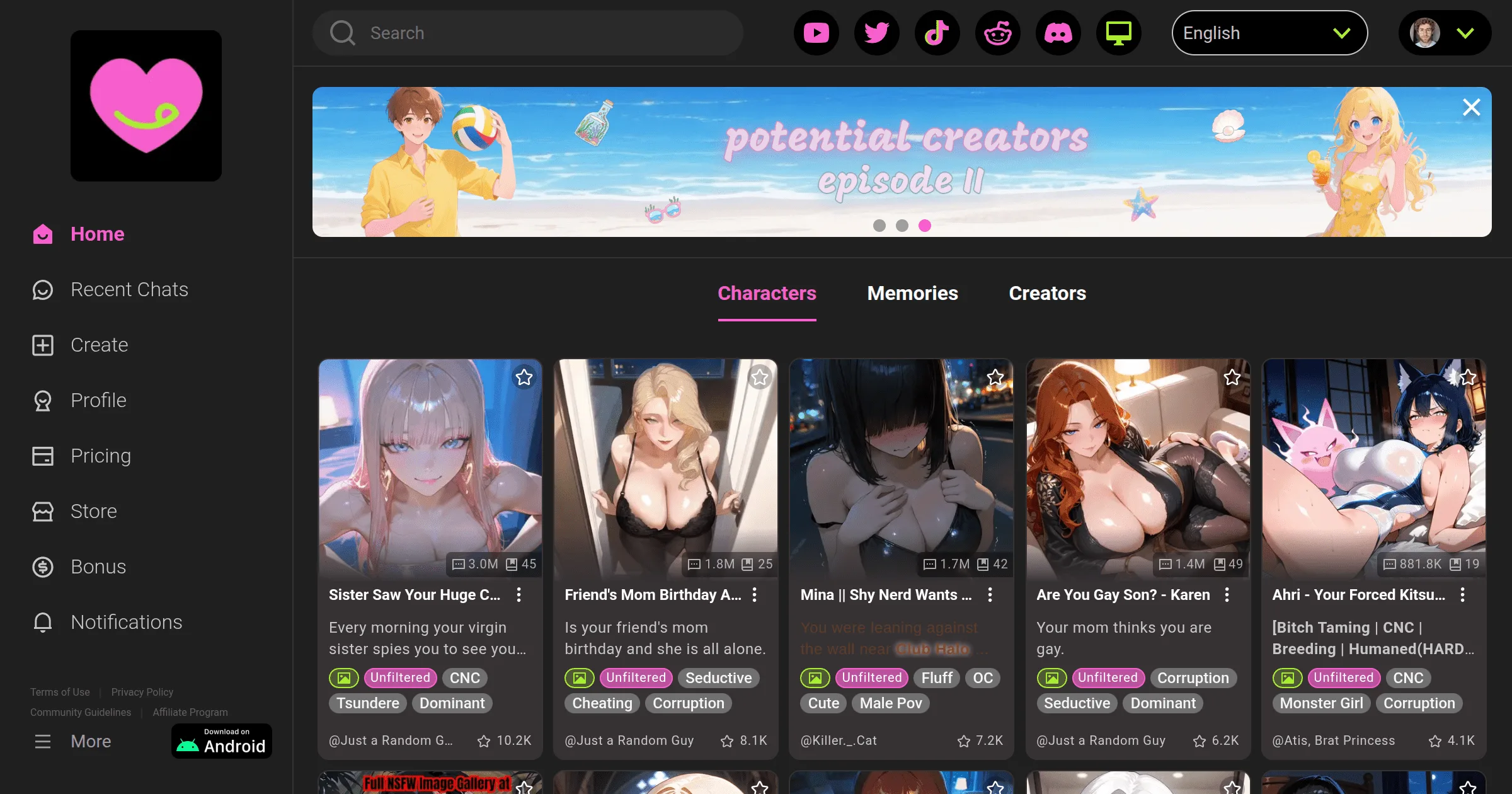
Google Play (preferred when available):
- Open Google Play Store
- Search "CrushOn AI"
- Install and log in
Available in most regions. Automatic updates through Play Store.
APK from crushon.ai (when Play Store isn't available):
- Go to crushon.ai on your Android device
- Find the APK download link in the site footer
- Download — then enable "Install from unknown sources" in Android Settings > Security
- Open the APK file and install
The APK is the same application as the Play Store version. Security concern is limited to source: only use the APK from crushon.ai directly. Third-party APK sites are not reliable or safe.
The Web Version: The Honest Best Option for Most People
The web version at crushon.ai is the primary product. Apps are wrappers around it. Arguments for using the web version directly:
- Always on the latest version (no update lag)
- No regional availability issues
- Full feature parity with apps
- Works on any device with a browser
- No installation required
The only meaningful advantage of the native Android app over the web version is slightly more native mobile behavior (push notifications, home screen presence without the Add to Home Screen step). For most users, this difference doesn't justify installing an app if the web version works well.
Desktop: There Is No Desktop App and You Don't Need One
No CrushOn AI desktop application exists. Use crushon.ai in any browser. For a standalone window without browser chrome:
Chrome: Three-dot menu > More Tools > Create Shortcut > check "Open as window"
This creates a standalone application window. No download required. Works on Windows and Mac.
What Actually Matters: Features Are Account-Based, Not Device-Based
Your subscription tier, characters, conversation history, and coins are all stored on CrushOn AI's servers. The device you use to access the platform doesn't change what features you can access.
This means:
- Switching from web to app doesn't lose anything
- Reinstalling the app doesn't lose anything
- Using multiple devices with the same account works correctly
Frequently Asked Questions
The Play Store listing isn't available in all regions. The APK is CrushOn AI's solution to regional Play Store restrictions. Same situation as iOS, but Android's open platform allows a different workaround.
Functionally, yes — all features including NSFW work correctly. The web app lacks push notifications and uses slightly more battery in some scenarios. For actual usage quality, the difference is negligible.
No meaningful performance difference. CrushOn AI's processing happens on their servers — local app vs. browser does not change server response time.
Only the official APK from crushon.ai is safe. Third-party APK sites frequently modify applications. If you've installed from a third-party source, remove it, run a device security scan, and reinstall from crushon.ai directly.
For troubleshooting when the site or app won't load after installation, see our troubleshooting guide.